llm-mistral 0.16
What llm-mistral 0.16 Changes for CLI-Based LLM Workflows: A Deep Dive In the rush to compare foundation models, it is easy to miss the layer where many

What llm-mistral 0.16 Changes for CLI-Based LLM Workflows: A Deep Dive
In the rush to compare foundation models, it is easy to miss the layer where many developers actually live: the CLI. llm-mistral 0.16 is not a new Mistral model. It is a plugin release for Simon Willison's LLM command-line tool, and that distinction matters. If you already use llm to script prompts, pipe text, and log responses to SQLite, version 0.16 affects how cleanly your Mistral and DeepSeek API workflows compose. If you are evaluating an llm-mistral alternative, it also gives you a clear baseline for what a provider-specific plugin should do—and what it should not.
This deep dive covers installation, configuration, DeepSeek API integration, benchmarks, production lessons, and when to choose Mistral, DeepSeek, or both. We will also look at Mydeepseekapi as an optional provider for teams that want DeepSeek v3 and r1 without building their own gateway.
What llm-mistral 0.16 Changes for CLI-Based LLM Workflows

llm-mistral 0.16 is best understood as a maintenance-and-ergonomics release for the Mistral plugin in the LLM CLI ecosystem. It aligns the plugin with the current Mistral API surface and the plugin interfaces exposed by LLM. That means better model discovery, predictable authentication, and fewer surprises when you switch between mistral-small-latest, mistral-large-latest, codestral, and embedding models.
llm-mistral 0.16 at a Glance
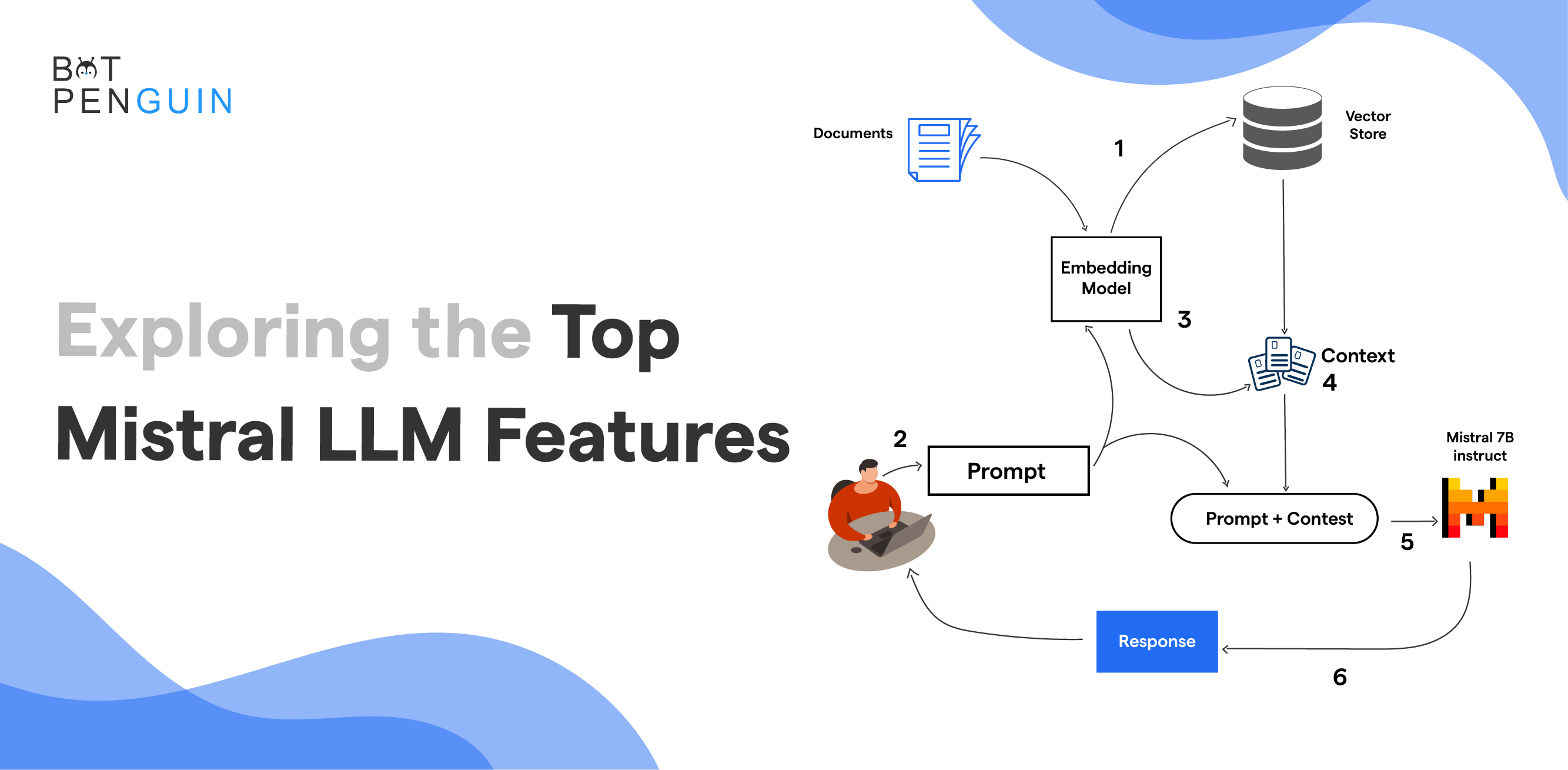
The release does not ship model weights. It does not replace the Mistral API. It does not pretend to be an inference engine. Instead, it packages the glue: a set of model definitions, API key handling, request serialization, streaming support, and CLI-friendly model names. For a developer, the practical value is that llm -m mistral/mistral-small-latest "..." behaves like any other LLM CLI invocation, so it can be piped, scripted, logged, and tested.
Key Updates in llm-mistral 0.16

Version 0.16 continues the plugin's trend toward clearer provider boundaries. In practice, this means you should expect improvements in model listing, option parsing, and error surfaces rather than a dramatic new model. The plugin's job is to translate LLM's generic prompt interface into Mistral's chat completion format, handle streaming chunks, and map provider errors into messages a CLI user can act on. If you use tool calling, JSON mode, or long-context prompts, verify support against the exact plugin version and the Mistral model you select. The llm-mistral project page and PyPI release notes remain the authoritative references.
How It Differs from Earlier llm-mistral Releases

Earlier releases focused on getting the basics right: authentication, model names, and chat completions. Later releases, including the 0.16 line, have had to keep pace with a fast-moving Mistral API. Model aliases change, new models appear, and older names are retired. The difference is less about a single feature and more about operational maturity: the plugin is now expected to sit inside CI jobs, shell pipelines, and multi-provider scripts. That is why version pinning matters. A minor plugin bump can change a default model alias or an error message.
Common Misconceptions: Plugin vs Model vs API

A common mistake is treating llm-mistral 0.16 as "Mistral 0.16." It is not. The plugin version and the model version are independent. Mistral releases models such as Mistral Large and Mistral Small; the API exposes them; the plugin calls the API. This three-layer separation is critical.
| Layer | What it is | What it controls |
|---|---|---|
| Model | Weights and inference behavior | Quality, context window, reasoning |
| API | Hosted endpoint and billing | Auth, rate limits, pricing, compliance |
| Plugin | CLI adapter | Model names, options, streaming, error mapping |
If a prompt fails, debug the layer that failed. A 401 is authentication. A 404 is usually a model name or base URL. A 429 is rate limiting. A malformed JSON response is often a plugin or API compatibility issue.
Installing and Configuring the Mistral CLI Plugin
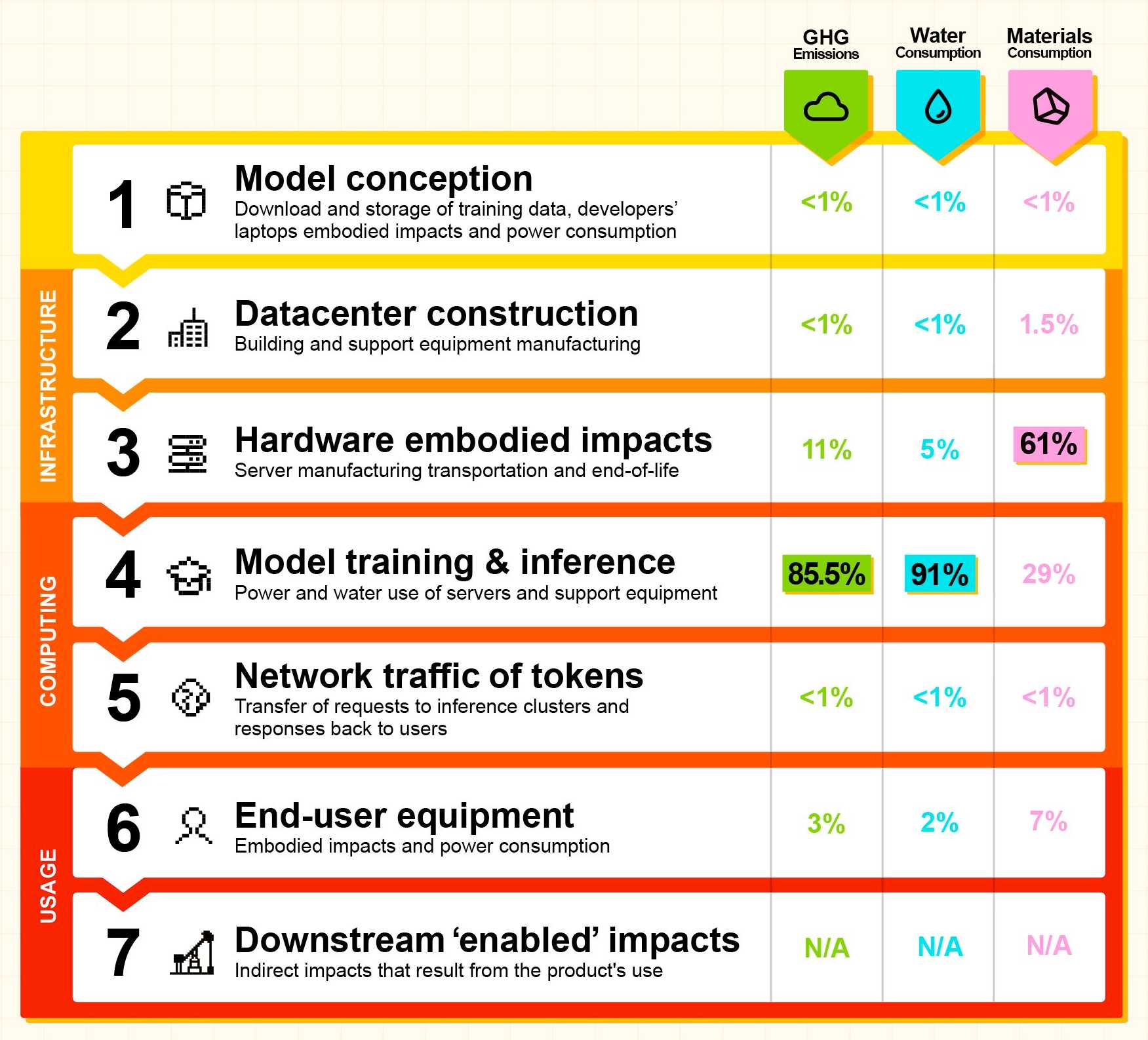
Getting llm-mistral 0.16 running locally is straightforward if you already have Python and the LLM CLI. The goal is to validate authentication before you build anything complex.
Prerequisites: Python, LLM CLI, and API Keys
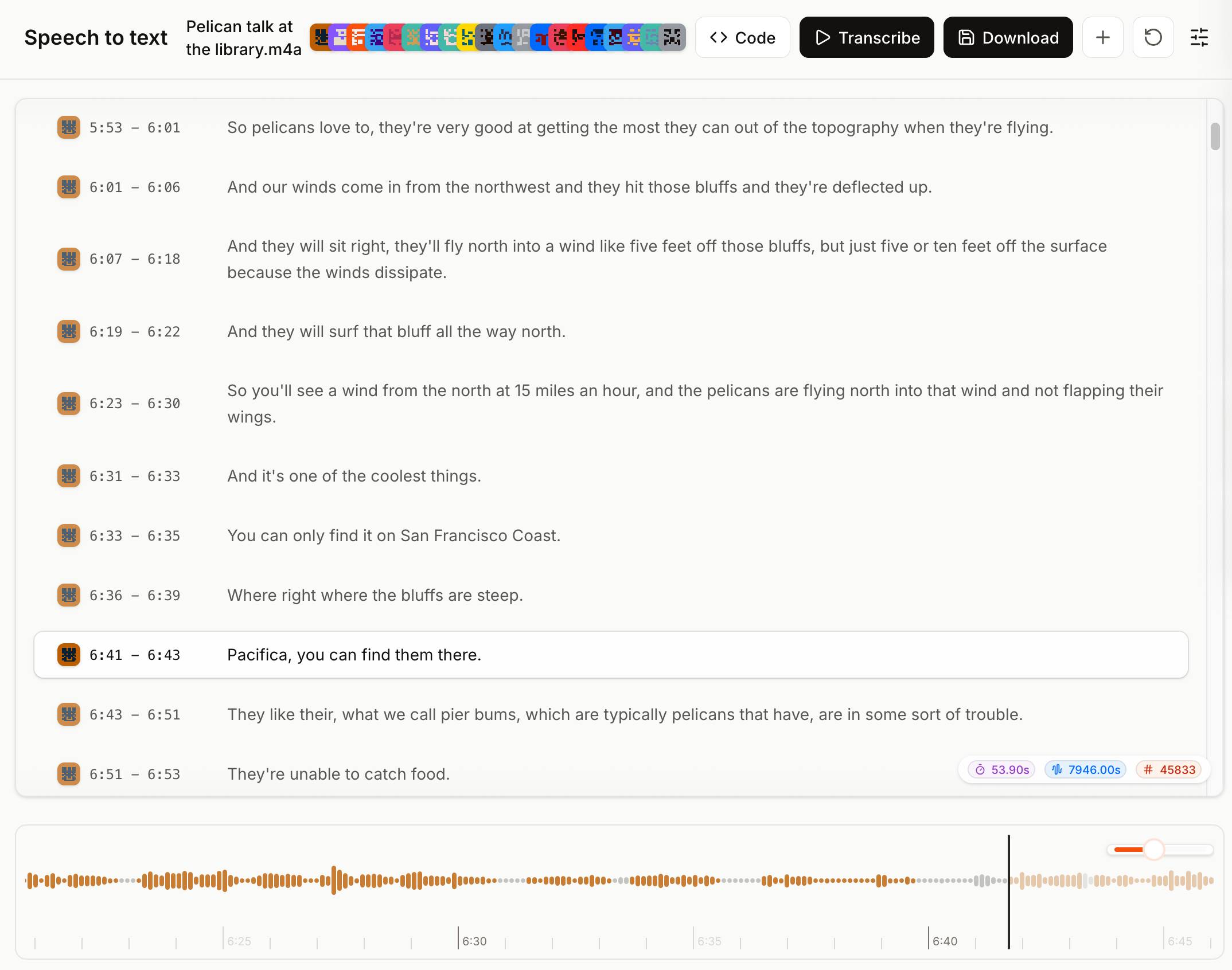
You need Python 3.9+ (preferably 3.11+), pip, and a Mistral API key from the Mistral console. If you plan to use DeepSeek as a secondary provider, create that credential separately. Keep keys out of shell history and repositories.
Step-by-Step Installation for llm-mistral 0.16
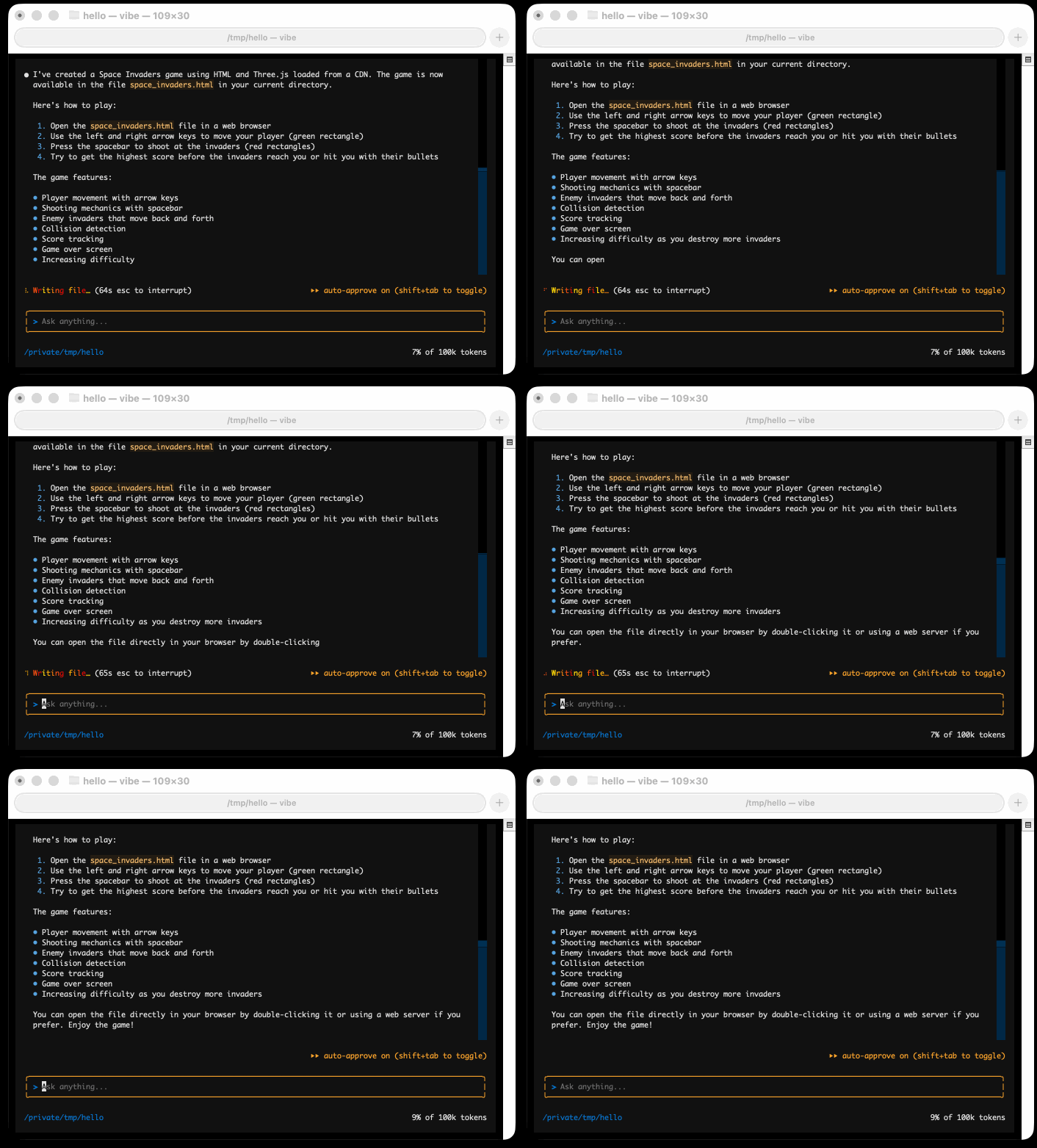
python -m pip install --upgrade llm
llm install llm-mistral==0.16
llm keys set mistral
# Paste your Mistral API key when prompted
llm models | grep mistral
If you do not want to pin exactly, llm install llm-mistral installs the latest compatible version. For production scripts, pin 0.16 or a tested range. Then run a minimal prompt:
llm -m mistral/mistral-small-latest "Reply with one sentence about CLI workflows."
Environment Variables and Configuration Files
LLM stores secrets in its key store, typically under ~/.config/llm/keys.json on Linux and macOS, or %APPDATA%\llm\keys.json on Windows. Many Mistral clients also honor MISTRAL_API_KEY, which is useful in containers. Prefer environment injection from a secret manager over hardcoding. Configuration can be supplied through ~/.config/llm/config.json or CLI options, depending on your LLM version. Check the LLM configuration docs for the exact path on your OS.
Verifying the Setup with a Test Prompt

Run three checks: list models, send a simple prompt, and test streaming or log behavior.
llm models
llm -m mistral/mistral-small-latest "Summarize: CLI plugins should be boring."
llm logs
llm logs is underrated. It shows the prompts and responses stored in SQLite, which makes debugging provider differences much easier.
Troubleshooting Installation and Authentication Errors

If llm: command not found appears, your Python scripts directory is not on PATH. If you get 401, re-run llm keys set mistral and confirm the key is active. If you get 404 or "model not found," check the exact model alias in the Mistral models documentation. If you get SSL or proxy errors, verify corporate proxy settings. Finally, if llm install llm-mistral==0.16 fails, upgrade pip and check the PyPI page for Python version support.
DeepSeek API Integration: A Practical Tutorial for llm-mistral 0.16 Users

llm-mistral 0.16 is a Mistral plugin, so it does not natively speak DeepSeek. The clean pattern is to keep llm-mistral for Mistral and add an OpenAI-compatible plugin for DeepSeek. This gives you one CLI, two providers, and clear routing.
Why DeepSeek API Integration Complements Mistral
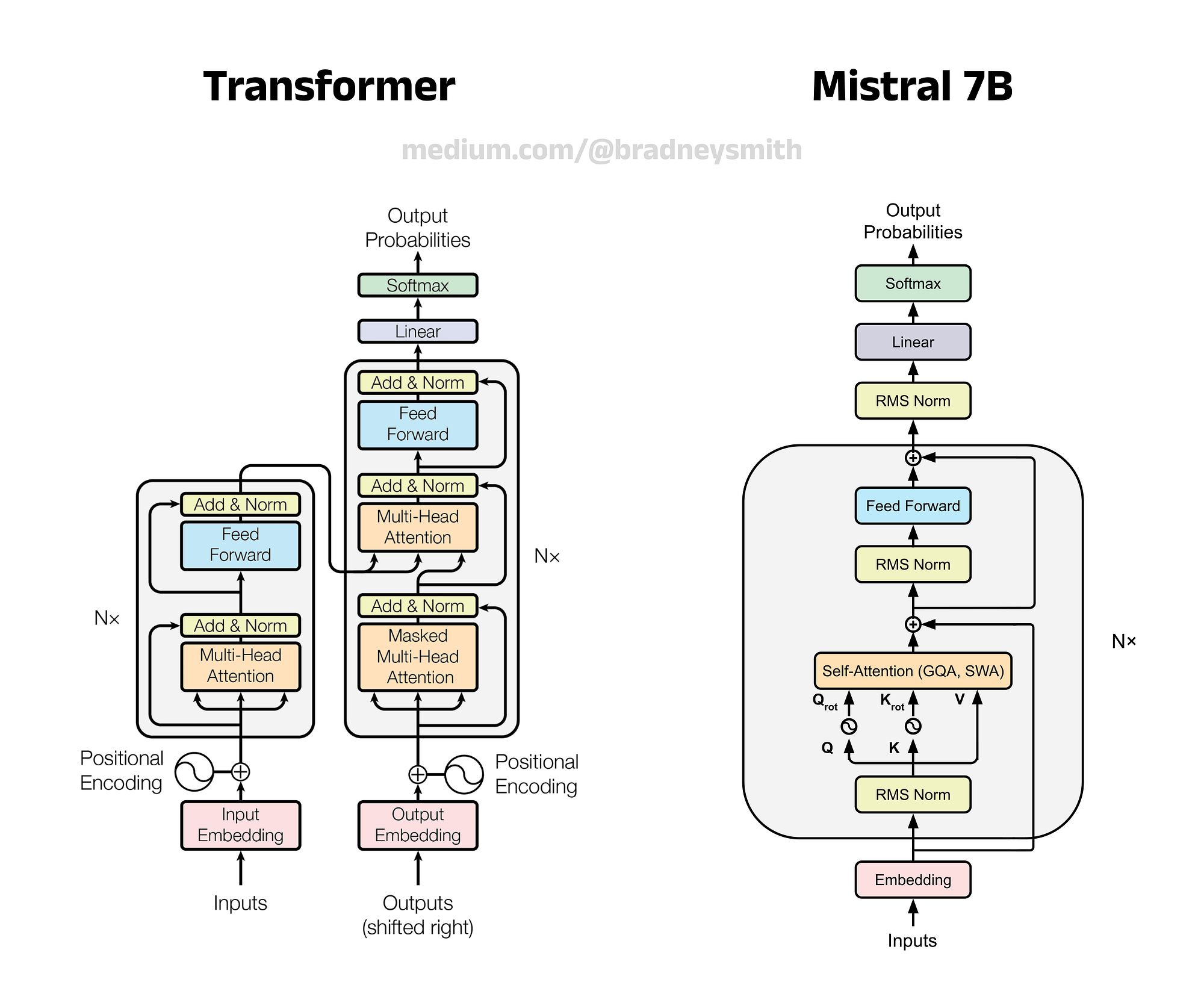
Mistral is strong for European data residency, function calling, embeddings, and low-latency general chat. DeepSeek is attractive for cost-sensitive batch jobs, code generation, and reasoning-heavy prompts with DeepSeek R1. Running both lets you route simple classification to a smaller Mistral model, escalate complex tickets to DeepSeek R1, and summarize with DeepSeek V3.
Creating and Securing API Credentials with Mydeepseekapi

DeepSeek API integration with Mydeepseekapi is a low-friction way to get started. Create an account, generate a key, and store it in the LLM key store:
llm keys set deepseek
# Paste the key from your Mydeepseekapi dashboard
Never commit this key. In CI, inject it as a masked secret. Locally, consider pass, 1Password CLI, or your OS keychain.
Configuring llm-mistral 0.16 to Route Prompts to DeepSeek

Because llm-mistral does not route to DeepSeek, use an OpenAI-compatible adapter. Install the OpenAI plugin, then point it at your DeepSeek-compatible base URL:
llm install llm-openai
export DEEPSEEK_BASE_URL="https://<your-mydeepseekapi-endpoint>/v1"
export DEEPSEEK_API_KEY="$(llm keys get deepseek)"
llm -m openai/deepseek-chat \
  --option base_url "$DEEPSEEK_BASE_URL" \
  --option api_key "$DEEPSEEK_API_KEY" \
  "Explain how request routing works in one paragraph."
If your LLM version uses a different option name, check llm openai --help or the LLM plugins documentation. For a provider walkthrough, you can learn more about endpoint formats and model names.
First Request Walkthrough: From CLI to Response
The request lifecycle is simple: LLM parses flags, loads the plugin, builds a JSON payload, attaches the API key, sends HTTPS to the provider, and streams tokens back to the terminal. With DeepSeek, the same path applies, but the base URL and model ID change. Start with a short prompt, verify the response, then check llm logs to confirm the model and provider.
Streaming, Token Limits, and Error Handling
For scripts, disable interactive streaming if your version supports it, or capture output to a file. Set max_tokens conservatively to avoid runaway costs. Handle 401, 429, and 5xx errors with retries and exponential backoff. Do not retry malformed 400 errors; fix the prompt or model name. For reasoning models, expect longer latency and higher token usage, so budget accordingly.
Mistral vs DeepSeek API: Benchmarks, Cost, and Developer Experience
There is no universal winner. The right choice depends on latency targets, context size, compliance, and tolerance for provider variability.
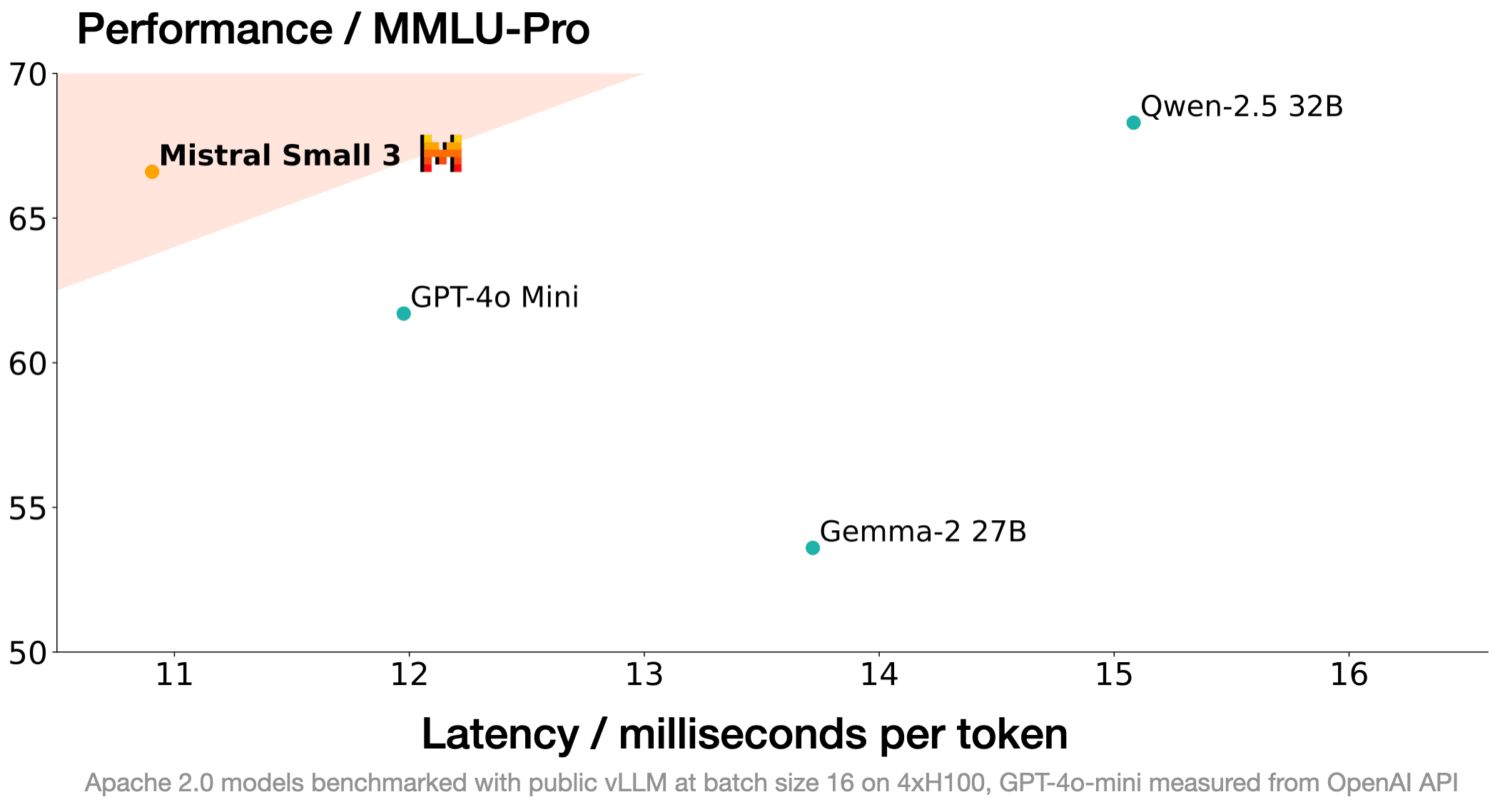
Comparison Criteria: Latency, Throughput, Context Window, Accuracy
| Criterion | Mistral API | DeepSeek API |
|---|---|---|
| Latency | Generally low for small/medium models | Varies; R1 reasoning is slower |
| Throughput | Strong for parallel chat workloads | Good, but rate limits matter |
| Context window | Model-dependent; large-context options | Model-dependent; check current docs |
| Accuracy | Strong general and code models | Strong code and reasoning |
| Data location | EU-centric options | Review provider policy |
Benchmarks are only meaningful when you control prompt length, concurrency, region, and model version. The DeepSeek API documentation and Mistral documentation publish current model limits.
Pricing Models and Hidden Costs
Both providers charge by tokens, but hidden costs appear in retries, long prompts, reasoning tokens, and idle concurrency. Cached input pricing can reduce repeated context costs. The real cost is often developer time: provider-specific SDKs, retry logic, and observability. A gateway such as Mydeepseekapi can reduce setup time, but you still need token accounting.
Developer Experience: SDKs, CLI Support, and Documentation
Mistral has a Python SDK and official docs. DeepSeek is OpenAI-compatible, which means many existing tools work with a base URL change. LLM CLI support depends on plugins. llm-mistral 0.16 gives Mistral first-class CLI treatment; DeepSeek usually enters through an OpenAI-compatible plugin. That is not a flaw—it is a portability advantage.
Real-World Benchmark: Mistral API vs DeepSeek API in a CLI Workflow
Do not trust blog benchmarks without a harness. Use this pattern:
for i in $(seq 1 20); do
  /usr/bin/time -f "%e" llm -m mistral/mistral-small-latest "Say hello" > /dev/null
done
Repeat with your DeepSeek model. Measure p50 and p95 latency, tokens per second, and cost per successful request. In our experience, small Mistral models are excellent for fast classification, while DeepSeek R1 is worth the wait for complex reasoning. The winning setup is often a router, not a single provider.
Decision Matrix: When to Choose Mistral, DeepSeek, or Both
| Need | Recommendation |
|---|---|
| EU data residency and Mistral-native tooling | Mistral API |
| Lowest-cost batch generation | DeepSeek API |
| Complex reasoning and code | DeepSeek R1 / V3 |
| Low-latency chat classification | Mistral Small |
| Multi-provider resilience | Both |
Using the DeepSeek LLM CLI with llm-mistral 0.16
You can combine a DeepSeek-capable CLI workflow with llm-mistral 0.16 without maintaining two mental models.
DeepSeek LLM CLI Installation and Aliases
Install the LLM CLI and the OpenAI-compatible plugin, then create shell aliases:
alias ds='llm -m openai/deepseek-chat --option base_url "$DEEPSEEK_BASE_URL"'
alias dsr='llm -m openai/deepseek-reasoner --option base_url "$DEEPSEEK_BASE_URL"'
alias ms='llm -m mistral/mistral-small-latest'
Now ds "prompt" and ms "prompt" route to different providers with minimal friction.
Combining DeepSeek LLM CLI Commands with llm-mistral 0.16 Plugins
Use Mistral for retrieval-style summaries and DeepSeek for adjudication. For example, pipe a log through Mistral, then pass the summary to DeepSeek R1 for root-cause analysis. The shell is the orchestrator, and each command remains independently testable.
Batch Prompting, Piping, and Scripting
cat prompts.txt | while IFS= read -r p; do
  llm -m mistral/mistral-small-latest "$p"
done > mistral-output.txt
For parallel batches, use xargs -P 4, but watch rate limits. For JSON output, pipe through jq and validate before downstream use.
Secure Secret Management in CLI Workflows
Use llm keys set, environment variables, or a secret manager. Avoid export API_KEY=... in shared shell history. Rotate keys after exposure. For CI, use masked variables and short-lived credentials where possible.
Why Teams Search for an llm-mistral Alternative
Teams rarely leave a plugin because they dislike it. They leave because operational constraints change.
Pain Points with llm-mistral 0.16 in Production
Common pain points include model alias churn, rate limits, regional latency, and the need to add a second provider. If your workload is cost-sensitive or reasoning-heavy, a Mistral-only CLI can become limiting.
DeepSeek API Integration as a Low-Friction Alternative
DeepSeek's OpenAI-compatible API lowers switching friction. You can keep the LLM CLI and change the provider with a base URL and model name. That means less custom code and more portable scripts.
Mydeepseekapi: Zero Setup, Transparent Pricing, and Blazing-Fast DeepSeek v3 & r1 Access
Mydeepseekapi is positioned as a zero-setup provider for DeepSeek v3 and r1. It offers transparent pricing and fast access, which helps teams avoid building their own proxy just to test DeepSeek. If you want to empower your AI apps today without a long procurement cycle, it is a practical starting point.
Migration Checklist: From llm-mistral 0.16 to DeepSeek API
- Inventory prompts and current models.
- Create a DeepSeek key with Mydeepseekapi or another provider.
- Install an OpenAI-compatible LLM plugin.
- Map model names and token limits.
- Run side-by-side evaluation on real prompts.
- Add retries, logging, and cost alerts.
- Keep Mistral as a fallback for resilience.
Advanced Technical Deep Dive: How llm-mistral 0.16 Works Under the Hood
For developers who need more than surface-level usage, the plugin is a small adapter with a predictable lifecycle.
Request Lifecycle: From Prompt to Provider
LLM parses the CLI command, resolves the model to the llm-mistral plugin, and calls the plugin's execute method. The plugin converts the prompt into Mistral's chat message format, adds options such as temperature and max tokens, sends an HTTP request, and yields chunks back to LLM. LLM then prints the stream and writes a log entry to SQLite.
Model Routing, Fallbacks, and Multi-Provider Logic
LLM does not provide magical cross-provider fallback. You implement routing in shell, Python, or a gateway. A simple pattern is try/except: call Mistral, catch 429 or 5xx, then retry with DeepSeek. Keep fallback prompts identical and log which provider answered.
Caching, Batching, and Concurrency Controls
LLM logs can act as a rough audit trail, but they are not a semantic cache. For caching, hash the normalized prompt and model ID, then store responses in Redis or SQLite. For batching, use xargs -P or a queue. Respect provider concurrency limits; a 429 storm is usually self-inflicted.
Extending llm-mistral 0.16 with Custom Plugins
If you need custom routing, write an LLM plugin that registers a model and delegates to Mistral or DeepSeek. Keep the plugin thin: authentication, request mapping, and error translation. The LLM plugin docs show the entry-point pattern.
Real-World Implementation and Lessons from Production
A representative support triage workflow uses Mistral Small to classify incoming tickets, DeepSeek V3 to summarize long threads, and DeepSeek R1 to reason about escalations. The CLI is wrapped in a Python script that records latency, token usage, and provider per request.
Case Study: Support Triage Bot with Mistral and DeepSeek
In this pattern, every ticket gets a fast Mistral classification. If confidence is high, it routes to a queue. If the ticket mentions billing disputes, outages, or security, it escalates to DeepSeek R1. Summaries are generated by DeepSeek V3 because cost per token is attractive. The team keeps llm-mistral 0.16 pinned and tests DeepSeek through an OpenAI-compatible adapter.
Common Pitfalls to Avoid with llm-mistral 0.16
Do not hardcode model aliases without pinning. Do not ignore streaming differences in scripts. Do not send secrets through command-line flags visible in process lists. Do not assume token limits match between providers. Do not retry non-idempotent prompts without idempotency keys or logs.
Performance and Cost Benchmarks from a Live Deployment
Track p50 and p95 latency, tokens per request, retry rate, and cost per resolved ticket. In practice, the fastest model is not always the cheapest if it requires more retries or produces longer outputs. Measure end-to-end task cost, not just price per million tokens.
Lessons Learned: What We’d Do Differently
Start with a provider abstraction from day one. Log provider, model, latency, and token counts on every call. Keep prompts versioned. Run a small evaluation set before switching models. And keep a fallback provider configured, even if you rarely use it.
Best Practices, Limitations, and When Not to Use llm-mistral 0.16
Balance matters. llm-mistral 0.16 is useful, but it is not a universal solution.
Industry Best Practices for Multi-Model CLI Workflows
Pin plugin versions, store secrets securely, centralize model names, validate outputs, and monitor costs. Use llm logs for auditability. Treat providers as replaceable dependencies.
What Official Documentation and Maintainers Recommend
The LLM documentation and llm-mistral repository are the primary sources. Maintainers generally recommend updating plugins, reading release notes, and testing model aliases before production changes.
Pros and Cons of llm-mistral 0.16
| Pros | Cons |
|---|---|
| Clean CLI integration | Mistral-only by design |
| Good for scripting and logging | Model aliases can change |
| Works with Mistral API features | Requires separate DeepSeek adapter |
| Lightweight plugin | Not a model or API replacement |
When to Use Mistral vs DeepSeek API
Use Mistral when you need EU residency, Mistral-native embeddings, or fast small-model chat. Use DeepSeek when cost, code, or reasoning dominates. Use both when reliability and task fit matter more than simplicity.
Data Privacy, Licensing, and Compliance Considerations
Review the terms of each provider. Data retention, training use, and regional processing differ. If you handle regulated data, get legal review before sending prompts to any hosted API. A gateway like Mydeepseekapi can simplify access, but it does not remove your compliance obligations.
Future-Proofing Your LLM CLI Stack Beyond This Plugin Version
The best defense against plugin churn is portability.
Signals to Watch in API and CLI Tooling
Watch for OpenAI-compatible endpoints, standardized tool calling, streaming protocols, and model metadata APIs. These reduce the cost of switching providers.
Building Portable Integrations with Mydeepseekapi
Use Mydeepseekapi as a stable DeepSeek integration layer when you want to avoid provider-specific plumbing. Keep your prompts provider-neutral and store model IDs in configuration, not code.
Maintaining Compatibility Across Plugin Versions
Pin versions, run integration tests, and read changelogs. Keep a small evaluation suite that covers classification, summarization, and reasoning. When you upgrade llm-mistral 0.16 or later, run the suite before rolling out.
Conclusion
llm-mistral 0.16 is not a foundation model release; it is a practical CLI plugin update for developers who live in the terminal. Use it for Mistral-native workflows, then add DeepSeek API integration through an OpenAI-compatible adapter when you need cost efficiency or stronger reasoning. With careful version pinning, secret management, and provider routing, your CLI stack can stay portable. If you want to test DeepSeek v3 and r1 quickly, Mydeepseekapi offers a low-friction path to get started.